
Color grading
Edit by color, not by panel.
Most editors make you translate what you see into sliders. Tone Caliper starts with the image: pick the blue in the sky or the green in the trees, and move it where you want it to go.

Tone Caliper lets you edit a photo by working with the colors you can actually see.
Your originals stay untouched. Your photos stay on your computer. Buy once, no subscription.
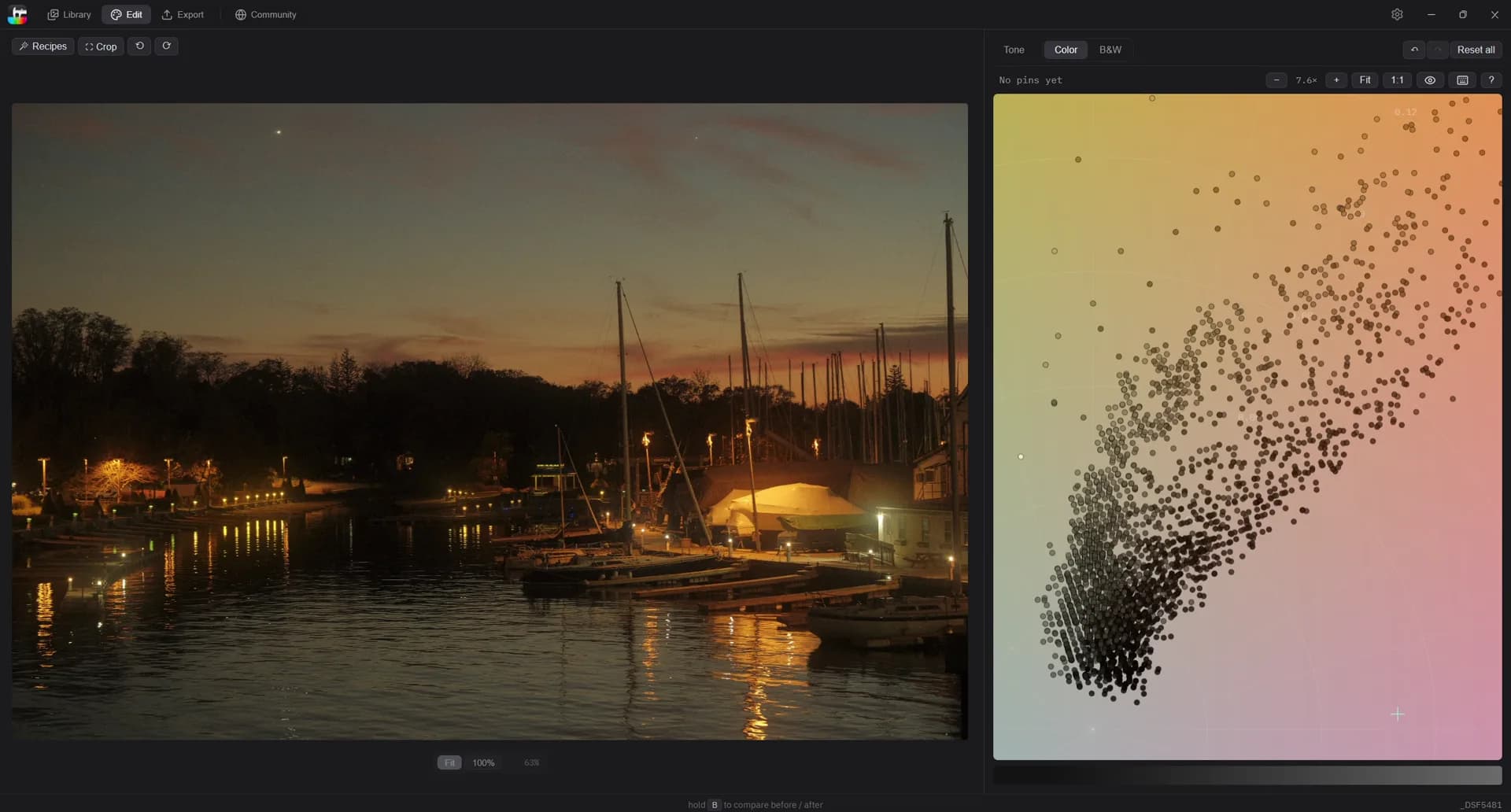
Instead of translating your image into panels and sliders, Tone Caliper starts with the photo itself. Pick a color in the image, move it where you want it to go, and shape the tones already there.
Most editors make you translate what you see into sliders. Tone Caliper starts with the image: pick the blue in the sky or the green in the trees, and move it where you want it to go.
Decide how each color becomes tone. Start from classic film responses — red, orange, yellow, panchromatic, or orthochromatic — then fine-tune by hand.
Tone Caliper reads straight from the folders you already use — no import, nothing moved or renamed. Flag your picks, and filter by lens, date, or location.
Save a color grade and apply it across a shoot, or start from a look shared by another photographer — then adjust the exact colors that need attention.